Manufacturer Of High Quality Data Cable

Manufacturer Of High Quality Data Cable
Enterprise display requirements are changing. As higher resolutions, faster refresh rates, and more demanding video formats enter commercial AV planning, procurement teams must decide whether existing 48Gbps infrastructure is still sufficient or whether it is time to prepare for higher bandwidth systems.
With HDMI 2.2 supporting up to 96Gbps, the decision is no longer simply about choosing the newest cable. Buyers need to evaluate actual application requirements, supported video formats, system compatibility, installation conditions, and the long term cost of future upgrades.
This guide examines the key technical upgrades, sourcing criteria, deployment risks, and procurement decisions buyers need to consider.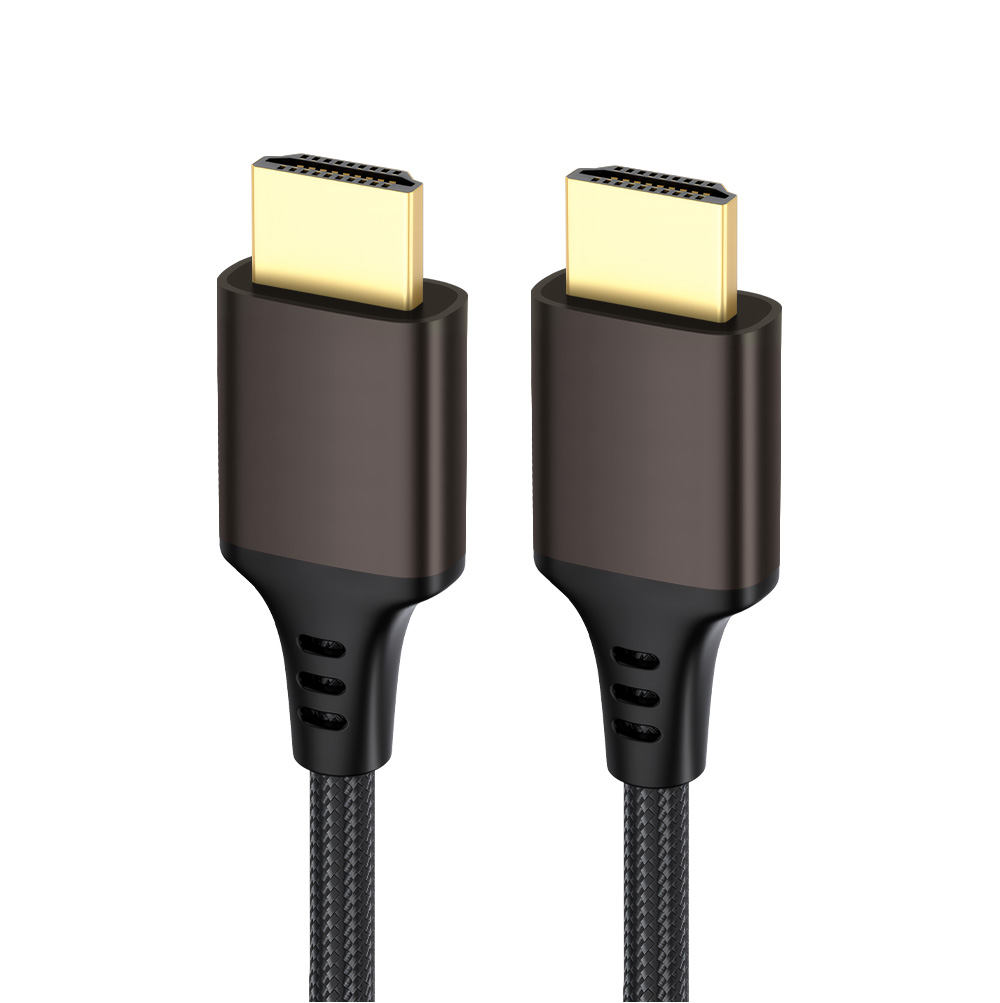
The most significant change is the increase from the 48Gbps maximum bandwidth associated with Ultra High Speed HDMI cables to up to 96Gbps with the new 96Gbps Ultra High Speed HDMI 2.2 Cable.
HDMI 2.2 uses next-generation Fixed Rate Link technology to support higher-bandwidth video transmission. The additional capacity is designed for demanding applications such as large-scale digital signage, medical imaging, machine vision, AR/VR/MR, spatial reality, and other high-data-rate systems.
For procurement teams, however, 96Gbps should not automatically become a purchasing requirement. The correct approach is to match cable capability with the complete system architecture, including the source device, processor, display, resolution, refresh rate, color depth, chroma format, compression, and cable length.
HDMI 2.2 expands the range of supported resolutions and refresh rates.
The specification supports options including up to 16K@60Hz and 12K@120Hz. It also supports high-quality uncompressed formats such as 8K@60Hz 4:4:4 and 4K@240Hz 4:4:4 at 10-bit and 12-bit color. Other combinations, including 4K@480Hz and 8K@240Hz, can be achieved depending on compression, chroma sampling, and system implementation.
This distinction matters when evaluating product specifications. A cable advertised as “HDMI 2.2” does not by itself tell a procurement team which resolution, refresh rate, color depth, or compression mode the complete system can actually support.
For many current commercial display projects, HDMI 2.1 remains sufficient. Ultra High Speed HDMI cables support up to 48Gbps and were designed for high-bandwidth applications such as 8K video and 4K120.
HDMI 2.2 becomes more relevant when projects move toward higher bandwidth requirements or when cabling will be installed in locations that are expensive to access later.
| Procurement Factor | HDMI 2.1 | HDMI 2.2 |
| Maximum cable bandwidth | Up to 48Gbps | Up to 96Gbps |
| Cable designation | Ultra High Speed HDMI Cable | Ultra96 HDMI Cable |
| Higher-resolution support | Up to 10K in the specification | Up to 16K@60Hz and 12K@120Hz |
| Example high-quality formats | 8K@60Hz, 4K@120Hz | 8K@60Hz 4:4:4, 4K@240Hz 4:4:4 |
| Higher refresh-rate options | Suitable for demanding 4K/8K systems | Expands options such as 4K@480Hz and 8K@240Hz with appropriate implementation |
| Signaling | FRL | Next-generation FRL |
| Audio/video synchronization | Existing HDMI synchronization features | Adds Latency Indication Protocol (LIP) |
| Typical procurement focus | Current high-bandwidth AV systems | Next-generation and future-ready systems |
| Cable certification | Ultra High Speed certification | Ultra96 certification for applicable HDMI 2.2 cable models |
The HDMI Forum specifies that the Ultra High Speed HDMI Cable is applicable to configurations supporting up to 48Gbps, while the Ultra96 HDMI Cable supports up to 96Gbps and is designed to support HDMI 2.2 applications.
The practical takeaway is simple: HDMI 2.2 is not automatically a replacement for HDMI 2.1. The correct choice depends on the application's bandwidth requirements and the expected service life of the installation.
Determining the right time to update your infrastructure depends on target application requirements and planned project lifespans. Systems designed for current commercial displays may run reliably on a certified HDMI 2.1 cable that delivers standard 48Gbps throughput. However, projects planned around future hardware upgrades benefit from early bandwidth assessment.
Replacing cabling inside walls, ceilings, or industrial conduits involves labor costs that often exceed the initial wire purchase price. For difficult to access cable routes, procurement teams should evaluate future bandwidth requirements during initial installation to avoid early replacement cycles.
Current 8K digital signage applications often operate within standard 48Gbps system requirements.
Next generation control centers and specialized displays may require bandwidth beyond legacy ceilings.
High density conduit routes benefit from early planning around cable routing space, bend requirements, and future replacement accessibility.
Long distance runs require separate evaluation of passive lines, active solutions, or optical alternatives.
Commercial environments expose hardware to physical strain, tight bend radiuses, and repeated connection cycles. Sourcing teams should insist on durable connector housings, effective strain relief boots, and suitable jacket materials. Selecting robust physical construction prevents mechanical damage and pin misalignment in demanding installations.
Product substitution and mislabeled specifications remain concerns in volume component sourcing. Working directly with a supplier that maintains thorough cable testing and quality control procedures helps buyers establish clear inspection requirements before shipment.
Review manufacturer specification sheets and verified test reports for custom orders.
Select outer jacket materials based on the routing environment, required flexibility, and applicable installation requirements.
Verify connector durability through standardized mechanical testing requirements.
Require complete inspection documentation before issuing final purchase order approvals.
Yes. HDMI 2.2 is designed to work within the broader HDMI ecosystem, but the actual performance depends on the capabilities of the source device, display, cable, and other components in the signal chain. Buyers should verify the specifications of every component before deployment.
No. A project does not automatically require 96Gbps simply because it uses HDMI 2.2. Procurement teams should determine the required bandwidth based on resolution, refresh rate, color depth, chroma format, compression, and other system requirements.
Ultra High Speed HDMI cables are designed for applications requiring up to 48Gbps, while Ultra96 HDMI cables support up to 96Gbps. The appropriate cable should be selected according to the bandwidth requirements of the complete AV system.
Not necessarily. If an existing installation already meets its required resolution, refresh rate, and bandwidth requirements, an immediate upgrade may provide limited practical value. HDMI 2.2 becomes more relevant when planning new infrastructure, higher-bandwidth applications, or installations where future cable replacement would be costly.
Buyers should verify bandwidth capability, certification, supported video formats, cable construction, connector durability, cable length, testing procedures, and supplier documentation. For large projects, sample testing and production inspection should also be considered before volume purchasing.
Upgrading commercial display infrastructure requires balancing current operational needs with future-proof scalability. By evaluating actual bandwidth demands, verifying certification standards, and selecting high-durability cable architectures, procurement teams can build reliable AV systems that minimize long-term replacement costs.
Looking to evaluate HDMI 2.2 for your upcoming enterprise deployment? Contact our technical engineering team today to request verified product samples, review custom OEM/ODM production options, or discuss complete system compatibility for your project.



Copyright © 2025 Guangdong Jiumutong Communication Technology Co., Ltd All Rights Reserved
Designed by 


