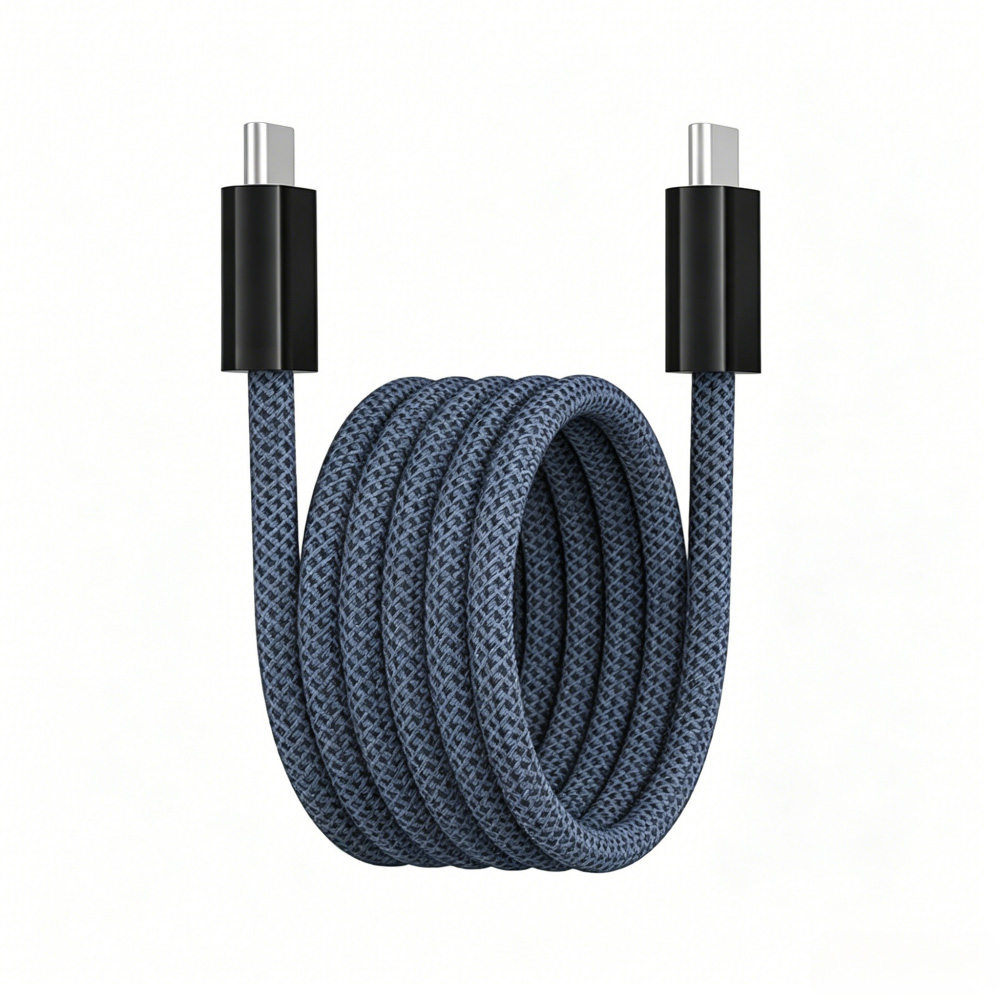
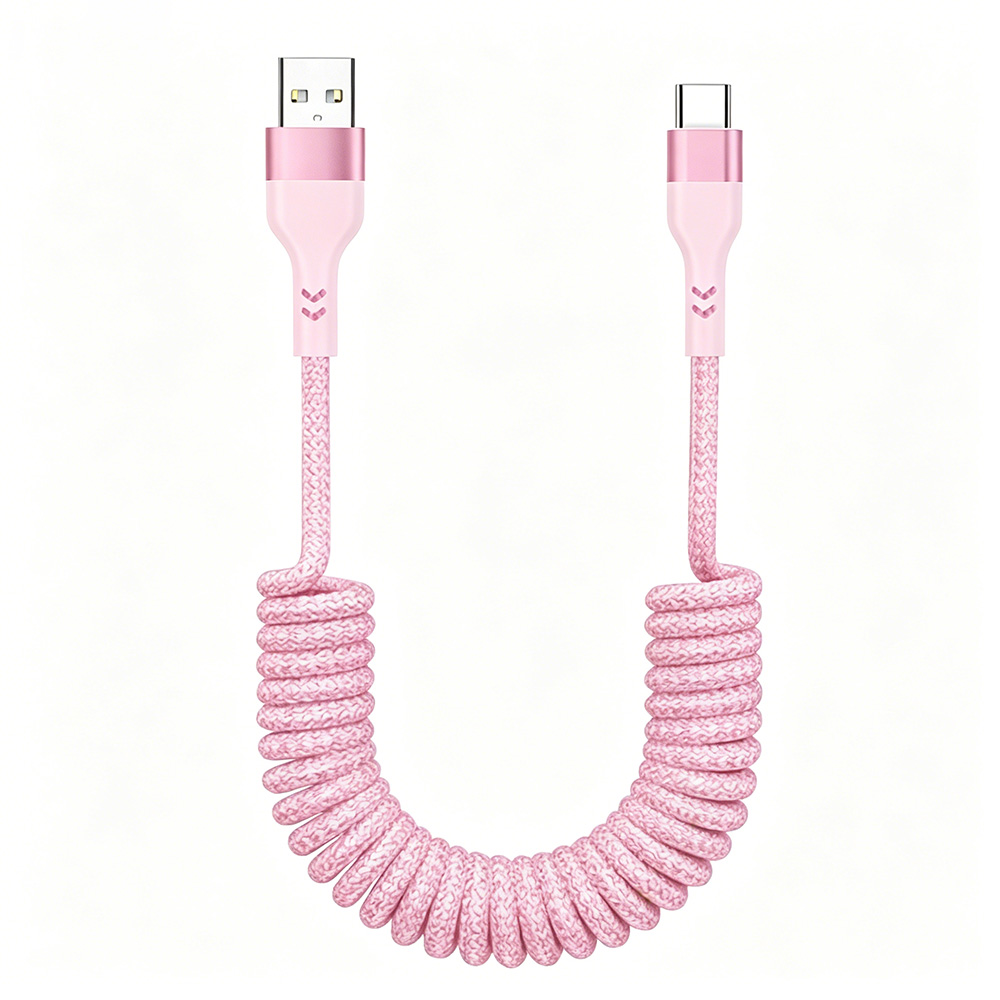
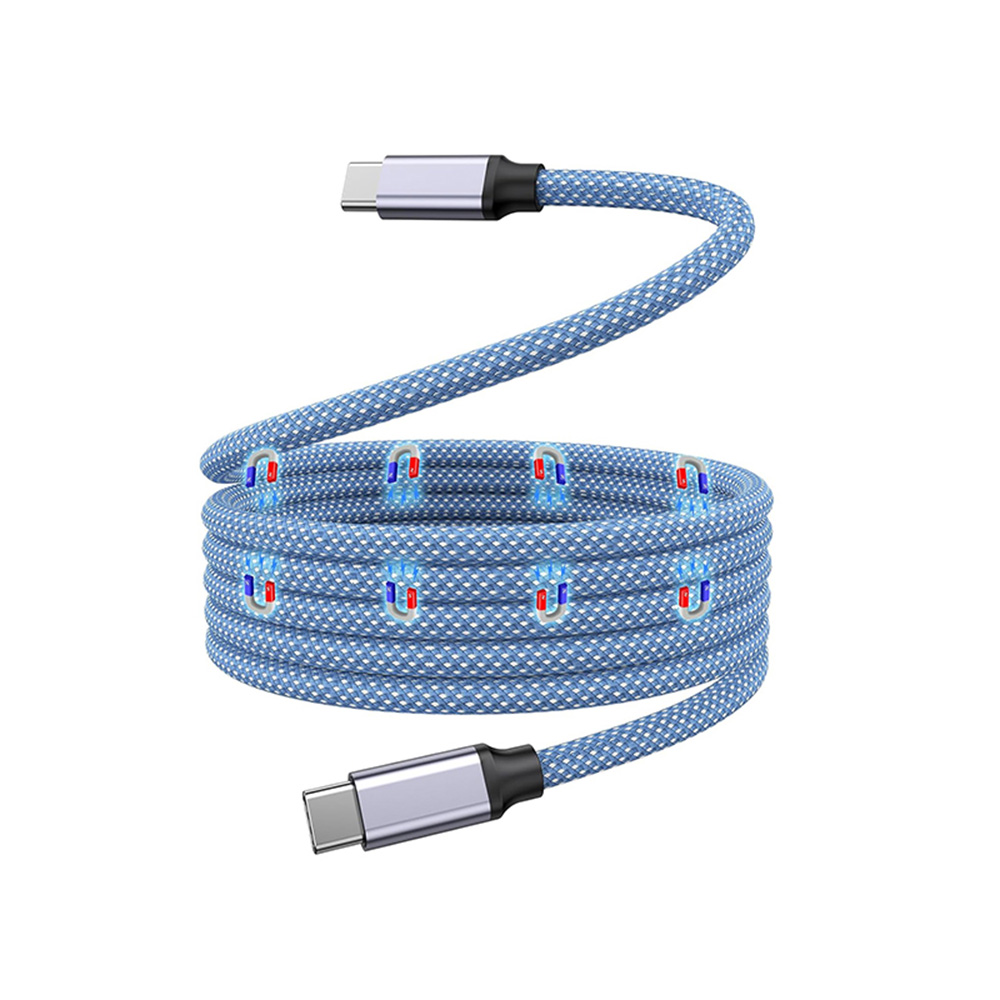
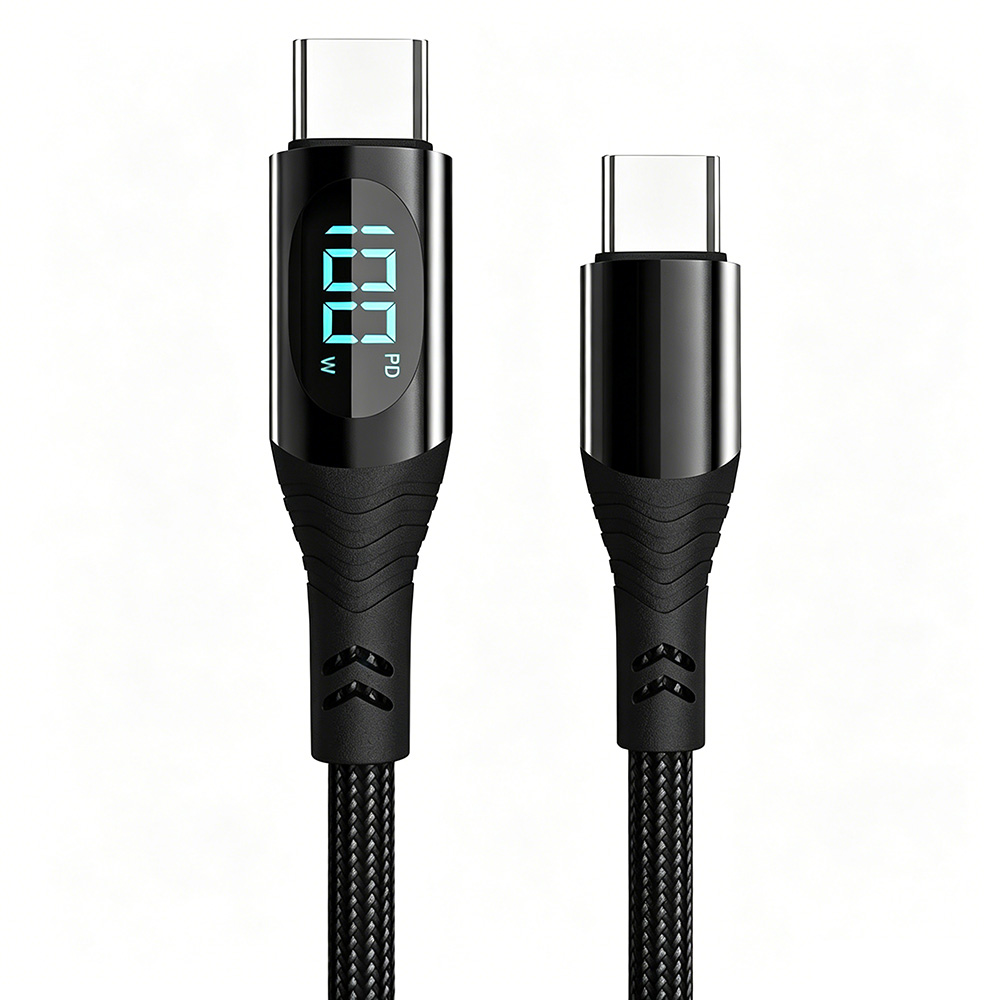
Manufacturer Of High Quality Data Cable

Manufacturer Of High Quality Data Cable
Universal Serial Bus (USB) ports are the most widely used and recognizable connection interfaces in modern electronic hardware. USB cables of various interface specifications have been widely applied in daily scenarios, including Type-A, Type-B, Mini-USB, and Micro-USB, among which the application scope of USB Type-C (commonly referred to as Type-C, USB-C, or USB C) is continuously expanding.
USB-C was officially launched in 2014, with the following core design objectives:
• Develop a universal connector to meet the growing demand for data transmission and power supply in various devices;
• Achieve miniaturization and improved transmission speed compared with previous USB interfaces;
• Realize synchronous transmission of data and power through a single cable;
• Adopt a reversible plug design to completely solve the problem of direction limitation in interface insertion and removal.
Despite the clear design objectives mentioned above, users still have many cognitive confusions in practical application. As a comprehensive guide to USB-C, this article will comprehensively elaborate on the relevant technical characteristics and application points of USB-C starting from the background of technological development.
Technical Characteristics of USB A
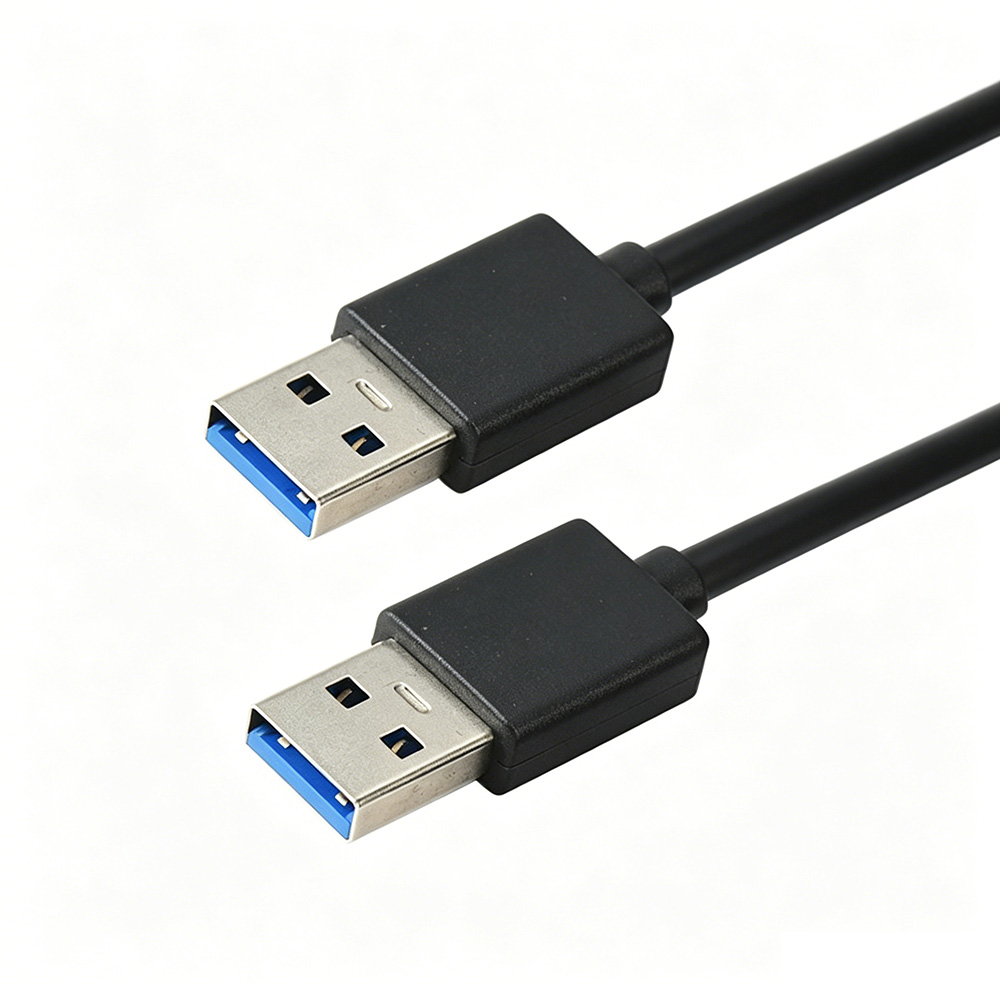
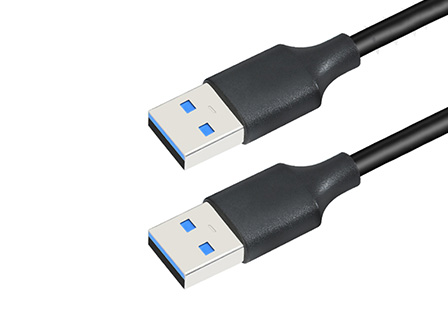
The rectangular USB A (also expressible as USB-A or USB Type-A) gradually became popular in the mid-1990s. Standard USB A connectors have obvious upper and lower structure distinctions, and strict alignment of direction is required during insertion and removal to achieve effective connection.
Technical Characteristics of USB B
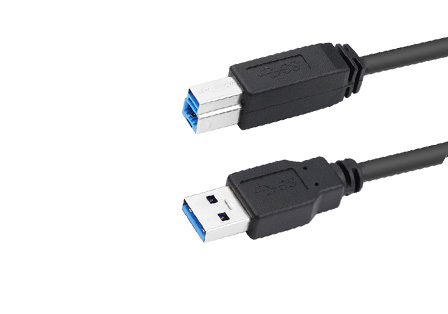
The square USB Type-B interface has relatively limited application scenarios but is completely consistent with USB A in electrical performance. This type of interface is mainly used in printer equipment, and some monitors and USB hubs also adopt it.
Technical Characteristics of Micro USB
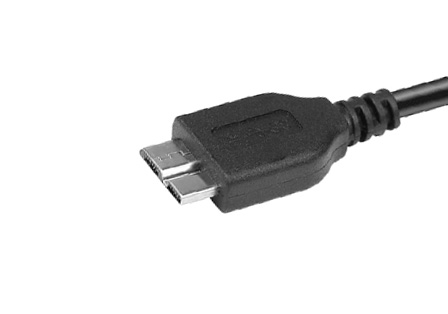
Micro USB (including Mini USB) is a miniaturized derivative version of the USB A interface. Since its launch, it has become the preferred connection and charging interface for portable electronic devices such as power banks, e-readers, handheld GPS devices, and mobile phones, relying on its compact size advantage.
Technical Characteristics of USB C
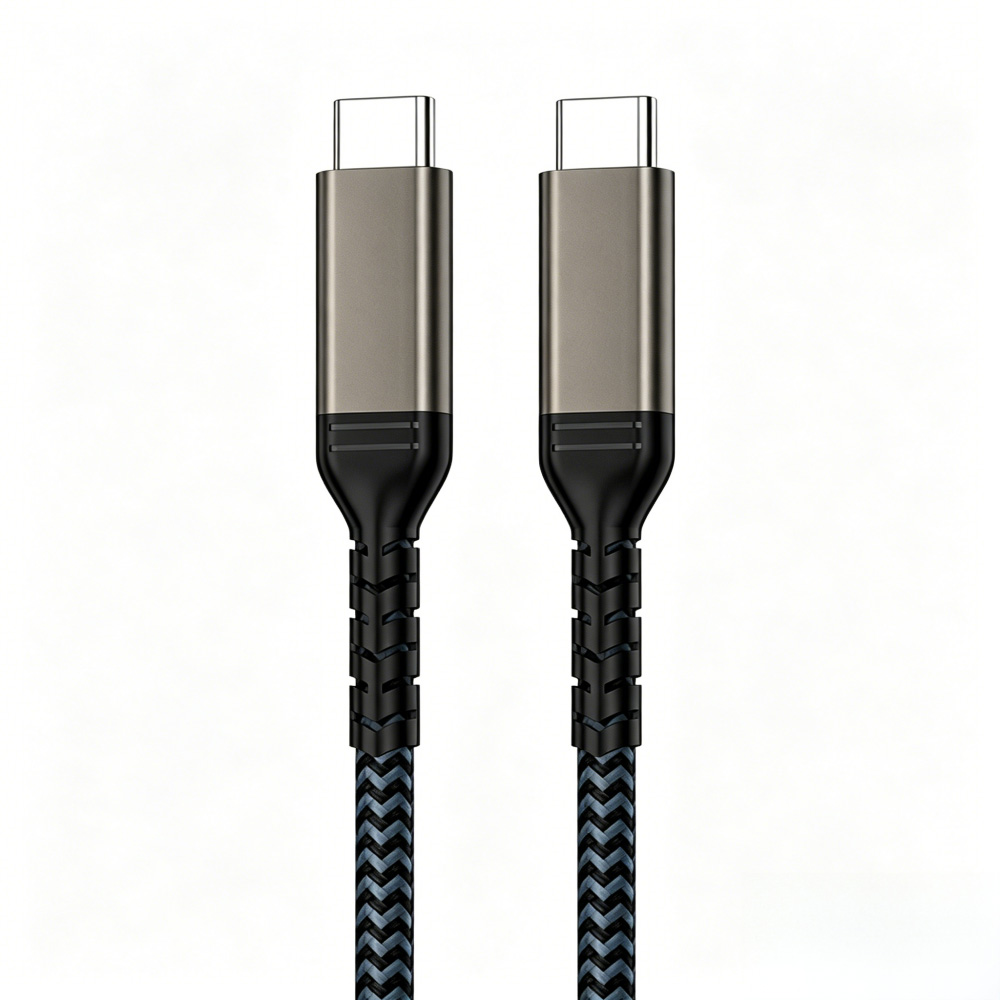
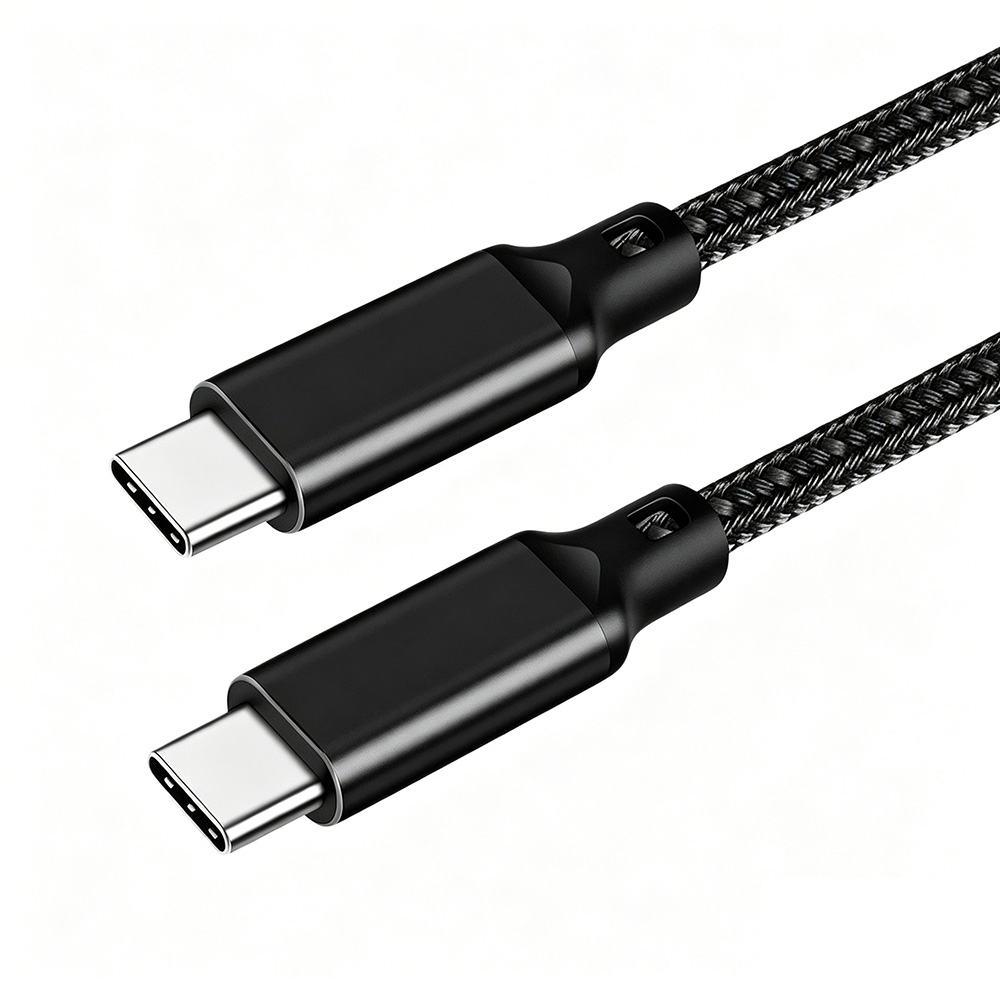
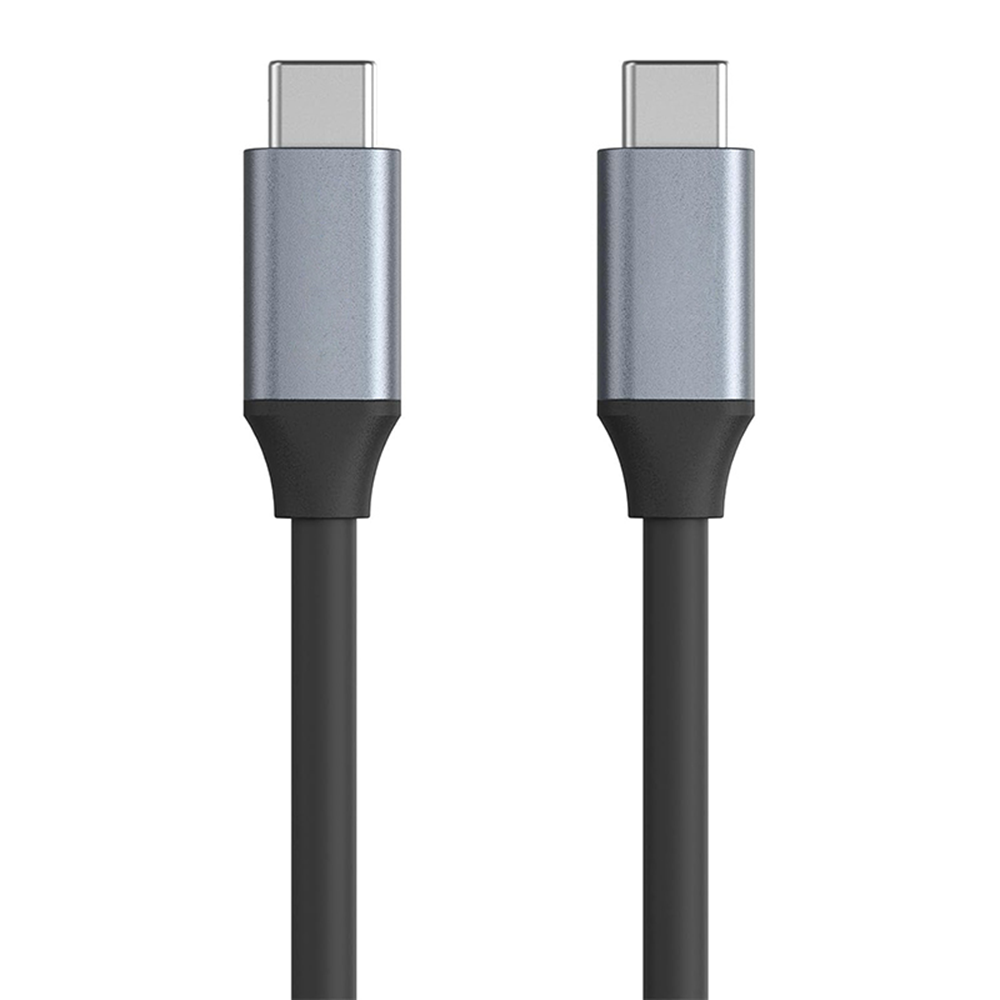
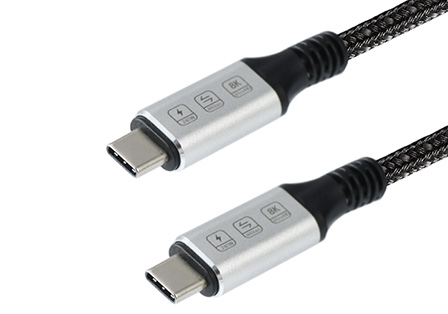
USB C specifically refers to the physical form of the new generation of USB connectors. (Note: It is necessary to clearly distinguish the physical form of the USB C interface from the speed differences of data transmission standards such as USB 3.1, USB 3.2, and USB4, and the relevant details will be elaborated in subsequent chapters.)
Compared with previous USB interfaces, the core technical differences of USB C are mainly reflected in the following aspects:
• Adopt a slim and stylish structural design, which can adapt to the body layout needs of various mobile electronic devices;
• The connector structure is sturdy and durable, which can meet the high-frequency use needs of computers and other devices;
• Adopt a symmetrical structural design, supporting reversible bidirectional insertion and removal, which completely solves the problem of direction limitation in interface insertion and removal.
• This design effectively solves the common inconvenience of insertion and removal of previous USB interfaces;
• As a new generation of USB connectors, its core positioning is to replace all old USB interface types, providing a future-oriented and full-featured standardized solution for hardware design.
It should be noted that USB C ports have become the standard configuration for mobile devices and consumer hardware, but in the field of industrial computers, the process of integrating USB C ports into new-generation devices is still in its initial stage.
Differences Between USB Interface Form and Performance
It is necessary to clearly distinguish the physical form of the USB port (i.e., interface type, such as Type-A and Type-C) from its supported data transmission rate and power supply capacity. The generational standards of USB performance are identified by numbers, mainly including USB 2.0, USB 3.1, USB 3.2, USB4, and USB4 v2.
USB technology originated with the launch of USB 1.0 in 1996, with a maximum data transmission rate of 12 Mbps (megabits per second); the subsequent USB 2.0 increased the maximum transmission rate to 480 Mbps; with technological iteration, USB standards have been continuously upgraded, forming subsequent versions with more complex specifications and superior performance.
Regarding the iteration of USB standards, users generally have the following questions: What are the differences between USB 3.2 Gen 1 and Gen 2, and USB 3.2 Gen 2×2? What are the technical characteristics of USB4 and USB4 Version 2? Are the relevant naming conventions still in use? The following will elaborate on them one by one in detail.
Usage Specifications for USB Data Performance Terminology
To simplify the USB naming system, the USB Implementers Forum (USB-IF), which is responsible for the formulation and management of USB standards and composed of representatives of many large technology enterprises, has formulated guidelines for the use of USB data performance terminology. The guidelines aim to standardize and unify the use of terminology and information transmission in all USB-related content (including product packaging, marketing materials, and advertising).
This standardization process needs to be promoted gradually, and the actual technical meanings of various rate identifiers in the guidelines will be disassembled in detail below.
Detailed Analysis of USB Data Transmission Rates
• USB 5 Gbps: Corresponding to the specification USB 3.2 Gen 1, formerly known as USB 3.0, the transmission rate can reach 5 Gbps, which is about 10 times that of the USB 2.0 standard;
• USB 10 Gbps: Corresponding to the specification USB 3.2 Gen 2 (launched in July 2013), formerly known as USB 3.1, which can achieve a transmission rate of 10 Gbps through existing USB A and USB C connectors;
• USB 20 Gbps: Corresponding to the specification USB 3.2 Gen 2×2 (launched in September 2017), which can only be achieved through the dual-lane mode of USB C connectors, with a transmission rate of 20 Gbps;
• USB 40 Gbps: Corresponding to the specification USB4 (launched in March 2019), adopting the Thunderbolt 3 protocol, the maximum transmission rate can reach 40 Gbps. (Note: The standard name defined by USB developers is USB4, and it is also marked as USB 4 with a space in some scenarios);
• USB 80 Gbps: Corresponding to the specification USB4 Version 2.0 (launched in October 2022), this upgraded version optimizes the speed and data protocol performance of USB4. Manufacturers can develop products with a maximum transmission rate of 80 Gbps based on this standard; when adopting an asymmetric configuration, the rate can be further improved, with a maximum of 120 Gbps in one direction and 40 Gbps in the reverse direction, and this standard is fully compatible with DisplayPort 2.1.
USB Marketing Name | Specification Name (Former Name in Brackets) | Transmission Rate | Interface Type |
USB 5Gbps | USB3.2 Gen 1×1 (USB 3.0, USB 3.1 Gen 1, SuperSpeed) | 5Gbps | USB A, USB C, Micro USB |
USB 10Gbps | USB 3.2 Gen 2×1 (USB 3.1, USB 3.1 Gen 2, SuperSpeed+) | 10Gbps | USB A, USB C, Micro USB |
USB 10Gbps | USB 3.2 Gen 1×2 (USB 3.2, SuperSpeed+) | 10Gbps | USB C |
USB 20Gbps | USB 3.2 Gen 2×2 (USB 3.2, SuperSpeed+) | 20Gbps | USB C |
USB 40Gbps | USB4 | 40Gbps | USB C |
USB 80Gbps | USB4 Version 2 | 80Gbps+ | USB C |
It should be noted that although USB4, USB4 Version 2, USB 3.2 Gen 2, and Gen 2×2 have excellent data transmission rates, most current devices still cannot reach this rate level. The actual transmission rate depends on the host device, the target device (taking the minimum rate of the two), and the performance parameters of the USB cable used.
Application Specifications of USB C in the European Union
Since 2024, the European Union has officially mandated that electronic devices adopt USB-C charging ports. This regulation is an important measure of the European Union to promote product sustainable development, reduce electronic waste, and improve consumer convenience.
The first phase of the regulation applies to small electronic products such as mobile phones, digital cameras, and tablet computers; medium-sized electronic products such as laptops need to complete the upgrade of USB C charging ports by 2026, and many manufacturers have already completed this technical switch in advance.
Although this regulation is promoted and implemented by the European Union, the application convenience it brings has benefited users around the world.
Adaptation of USB C to Apple™ Devices
To comply with the above EU regulatory requirements, Apple announced in September 2023 that starting from the iPhone 15 series, all new Apple products will adopt USB C ports as charging interfaces, replacing the proprietary Lightning interface that has been used as the standard charging interface for iPhones and other Apple devices for the past 11 years. This move realizes the universality of chargers and cables between all Apple devices such as iPhones, iPads, AirPods, and Macs, and most modern electronic devices.
Apple stated that the new iPhone models support the USB 3 standard, with a maximum transmission rate of up to 10 gigabits per second, but this rate can only be achieved through an optional USB 3 cable. The cable provided with the device at the factory cannot reach this rate — as of the release of the iPhone 15, Apple provided a USB 2.0 cable with a USB-C connector, whose maximum transmission rate is only 480 Mbps, and the relevant details have been mentioned earlier.
Visual Distinction Method for USB A Interfaces
When connecting devices through USB interfaces, it is crucial to clarify the differences in transmission rates between different versions of interfaces. Due to the significant speed gap between the second and third generation USB interfaces, some manufacturers use blue interface identifiers to distinguish high-speed USB A ports. This identification method is more commonly used when the same device is equipped with two types of USB A ports with different rates, such as the OnLogic HX300 series industrial computers.
This series of industrial computers is equipped with both USB 2.0 (black ports) and USB 3.2 (blue ports) interfaces.
Compatibility of USB Cables and Factors Affecting Performance
To give full play to the transmission rate and power output potential of USB 3.2 or USB4, the USB cable is one of the core influencing variables. The three core components of the connection link — the source device (such as a computer), the USB cable, and the target device (such as a hard drive) — need to be fully compatible with the required transmission and/or charging rate. When using products with different USB performance levels, the data transmission speed and charging capacity will be based on the highest level of the lowest-performing component among the three.
Impact of the Number of Wires on Cable Functions
The additional wires in USB 3.2 cables can not only achieve ultra-high-speed data transmission but also significantly improve power output capacity and expand additional functions. For example, on the premise that both hardware and cables are compatible, USB 3.2 connections can support DisplayPort functions, realizing 4K video output, data transmission, power output, and power input simultaneously through a single cable.
Power Supply Capacity of USB
The power supply capacity of USB is defined by an independent USB Power Delivery (USB-PD) specification, which is completely independent of the USB generation standard and port type.
As of the writing of this article, USB-PD has been updated to version 3.1, which can provide a maximum power of 240W through compatible USB C cables (relevant details will be explained in detail below) and a maximum power of 100W through USB-A ports.
The specific power supply functions of USB-C are as follows:
• The maximum power delivery capacity can reach 240W.
○ Currently, a single full-featured USB C cable can meet the power supply needs of devices such as desktop computers, laptops, docking stations, and gaming computers.
• Products with power supply capacity (including host devices and peripherals) can provide power, and the direction of power transmission is not fixed. Specific examples are as follows:
○ A monitor powered by a wall socket can provide power or charging services for a laptop while displaying images normally;
○ A USB power adapter can supply power through any USB C port of a laptop.
The upgraded USB-PD 3.1 specification has achieved a qualitative improvement compared with earlier versions, and is expected to promote the unification of data and power transmission standards for various electronic devices.
Dual Impacts of USB Functions — Convenience and Security Risks
The power supply function of USB has promoted the development of the consumer market for small electronic devices, all of which are powered through USB ports. To improve charging convenience, USB A and USB C ports have been widely applied in various scenarios, including dedicated public charging stations, airplane seats, cars, wall sockets, etc., achieving full coverage.
However, while enjoying its convenience, it is necessary to be alert to potential security risks.
One of the core advantages of USB is to realize device power supply and bidirectional data transmission simultaneously through a single cable and connection interface. However, this "power + bidirectional data" integrated transmission mode also brings a security hazard called "juice jacking".
Technical Analysis of Juice Jacking
Juice jacking mainly targets devices such as mobile phones and tablet computers that use the same cable for charging and data transmission. The core purpose of such attacks is to implant malware into the device or copy sensitive data in the device.
When a mobile phone is connected to a computer through a USB port, the mobile phone will be recognized as an external device of the computer, thereby realizing bidirectional file sharing. This identification process also occurs when the mobile phone is inserted into a public USB port.
Such connections may lead to the leakage of personal information. Bad actors can obtain private data in the device through this method and transmit harmful files such as malware to the device.
Preventive Measures Against Juice Jacking
According to the relevant recommendations of the Federal Communications Commission (FCC), the following are practical preventive tips against juice jacking:
• Carry personal charging cables and adapters, and prioritize charging through AC power sockets;
• Equip a mobile power bank to reduce reliance on public USB ports;
• After connecting to a USB port, if options such as "Share Data", "Trust This Computer", or "Charge Only" appear, prioritize selecting the "Charge Only" mode;
• Purchase protective equipment from trusted suppliers, such as charging-only cables (with data wires removed) or data blockers (sometimes referred to as USB condoms in some scenarios).
Technical Characteristics of USB Data Blockers
A USB data blocker is a sleeve-type adapter that can be sleeved outside the USB connector. Its core function is to physically block the connection of data wires, ensuring that the device can normally receive power while preventing data transmission, thereby effectively preventing the risk of data leakage.
Integrated Application of USB and Industrial Computers
USB C and USB 3.2 are often confused, but they belong to different concepts. Both USB A and USB C connectors can support connections of 5 Gbps and 10 Gbps (i.e., USB 3.2 Gen 1 and Gen 2); USB C can also support high-speed connections of 20 Gbps (USB 3.2 Gen 2×2), 40 Gbps (USB4), and 80 Gbps (USB4 V2).
It is expected that in the foreseeable future, most industrial computers will continue to be equipped with both USB A and USB C connectors, and support multiple data transmission rates and power processing capabilities. Manufacturers need to clearly identify USB ports in the future to avoid cognitive confusion among users.
Summary: Core Points of USB C, USB 3.1, USB 3.2, USB4, and USB4 V2
The launch of the USB C connector and the continuous evolution of USB data processing and charging standards have brought new application possibilities for modern computing devices, but they have also caused cognitive confusion among users. The core points are summarized as follows:
• USB C, USB 3.2, and USB4 belong to different concepts.
○ USB C is only used to describe the physical form of the interface;
○ USB 3.2 and USB4 are only used to describe the performance parameters of the port.
• Equipping a USB C connector does not mean that the USB port necessarily supports high-speed data transmission of 10 Gbps and above.
• The terms "USB 3.1" and "USB 3.2" can be used to describe ports that support data transmission of 5 Gbps (USB 3.2 Gen 1) or 10 Gbps (USB 3.2 Gen 2).
• To give full play to data transmission speed, power delivery, and additional functions (such as 4K video output), it is necessary to use adaptive cables and compatible hardware devices.
• USB 3.2 and USB4 are fully backward compatible with previous versions, but due to differences in interface form, USB C is not strictly backward compatible, and relevant adapters are easily available.
USB C is promoting the standardization and futurization of device connections. With its slim design, simple structure, high-speed data transmission, and powerful power supply capacity, USB C can ensure that devices equipped with this port remain compatible with emerging technologies and standards for years to come.
If you have any related questions, or need to discuss the application of the USB standards and connectors mentioned in this article in relevant projects with solution experts, you can consult at any time.



Copyright © 2026 Guangdong Jiumutong Communication Technology Co., Ltd All Rights Reserved
Designed by